SEBI Regn. INZ000266734 · NSE · BSE · MCX

Pay now

Add Funds to
Your Account

Transfer by IMPS, NEFT or RTGS to the account below, or pay by UPI. Always transfer from the bank account registered with us — third-party transfers cannot be accepted.

  • Client account in Urja’s name only
  • Same day credit on IMPS & UPI
  • ₹0 charged by Urja

Check the beneficiary name before you confirm any transfer. It must read URJA INVESTMENT PRIVATE LIMITED. Urja never asks clients to transfer money to an individual’s account, to a wallet, or to any account not shown on this page.

IMPS · NEFT · RTGS

Bank Account Details

Add these details as a beneficiary in your bank, then transfer. Tap any row to copy it.

Equities & derivatives

NSE and BSE — cash, F&O and currency

Beneficiary Name
URJA INVESTMENT PRIVATE LIMITED
Account Number
15770340007302
Bank
HDFC BANK
IFSC Code
HDFC0000060
Account Type
CURRENT ACCOUNT
Location
MUMBAI
Branch Address
Ground Floor, Maneckji Wadia Building, Nanik Motwani Marg, Fort, Mumbai 400001

Client bank account of Urja Investment Private Limited. Segment-wise accounts are confirmed by the desk if you trade commodities.

Pay using UPI

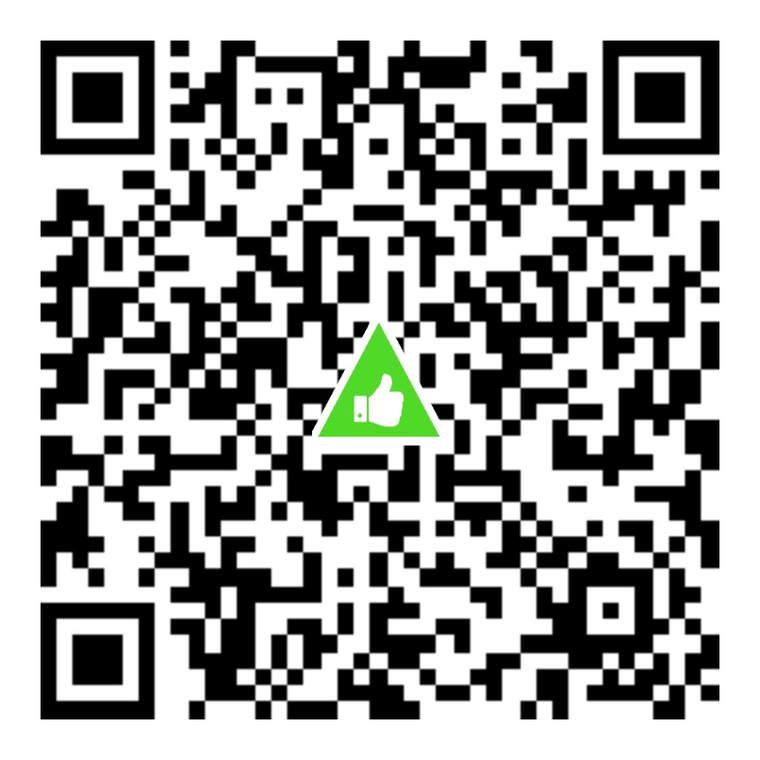
Scan with any UPI app

UPI QR code for urjainvestmentpvt.brk@validhdfc

UPI ID

urjainvestmentpvt.brk@validhdfc

Open in UPI app

Verify the beneficiary name shown by your UPI app before confirming. UPI limits are set by your bank.

How it works

Three Steps to Funded

The confirmation email is what matches your transfer to your client code — it is the step people skip.

  1. Add Urja as a beneficiary

    In your bank’s app or net banking, add the account below as a new payee. Approve it as your bank requires — some banks apply a short cooling-off period on new beneficiaries.

  2. Transfer by IMPS, NEFT or RTGS

    Send funds only from the bank account registered with your trading account. Transfers from a third-party account are returned and delay your limits.

  3. Email us the confirmation

    Mail the transaction reference and acknowledgement to customer care with your client code in the subject line, so the credit is matched to your account quickly.

Step 3 template

Send the transfer confirmation

Replace the placeholder with your own client code, and attach your bank’s acknowledgement.

Tocustomercare@urjaglobalinvestment.com
Subject%Client code% Funds Transfer
IncludeTransaction / UTR reference, amount, date and your client code
Open email

FAQs

Adding funds: common questions

Still unsure? Ask the desk

Which account should I transfer from?

Only from a bank account registered with your Urja trading account. Payments from a third party — including a spouse, parent or company account not registered with us — cannot be accepted under exchange rules and are returned.

How long does the credit take?

IMPS and UPI are usually credited the same working day once the transfer is matched. NEFT and RTGS follow banking hours. Emailing the transaction reference with your client code helps us match it faster.

What should the email subject line say?

Use “%Client code% Funds Transfer” with your own client code in place of the placeholder — for example “UR1234 Funds Transfer”. Attach or paste the transaction reference and the acknowledgement from your bank.

Is there a charge for adding funds?

Urja does not levy a charge for IMPS, NEFT, RTGS or UPI transfers. Your own bank may apply its own charges for RTGS or IMPS.

How do I withdraw funds?

Place a payout request from the Back Office. Funds are paid only to your registered bank account after settlement obligations are met.

Someone asked me to pay into a personal account. Is that genuine?

No. Urja Investment collects client funds only in the designated client bank account shown on this page, in the name URJA INVESTMENT PRIVATE LIMITED. Never transfer to an individual’s account. Report any such request to the compliance officer immediately.

Start your journey

Not a Client Yet?

Open your account digitally — ₹0 sign-up fee — and fund it the same day.

  • Digital
    account opening
  • SEBI registered
    INZ000266734
  • Dealer & support
    desk on call

Same discipline. A brighter tomorrow.

Call us Open Free Account